
Configure SMTP in Anypoint Platform PCE
Because Anypoint Platform Private Cloud Edition (Anypoint Platform PCE) does not provide an SMTP server, you must set up your own SMTP email server to deliver email alerts generated by API Manager and Runtime Manager. The SMTP email server also sends email messages for platform infrastructure alerts, including CPU, memory, and disk alerts.
You must direct your local installation of Anypoint Platform PCE to this server from the Access Management panel.
|
Only SMTP servers with Authentication are supported (anonymous SMTP relay servers are not supported). SMTPS is not supported. |
Connect to an Existing SMTP Server
-
From Anypoint Platform, select Access Management.
-
Select SMTP.
-
Provide the following information for your SMTP server:
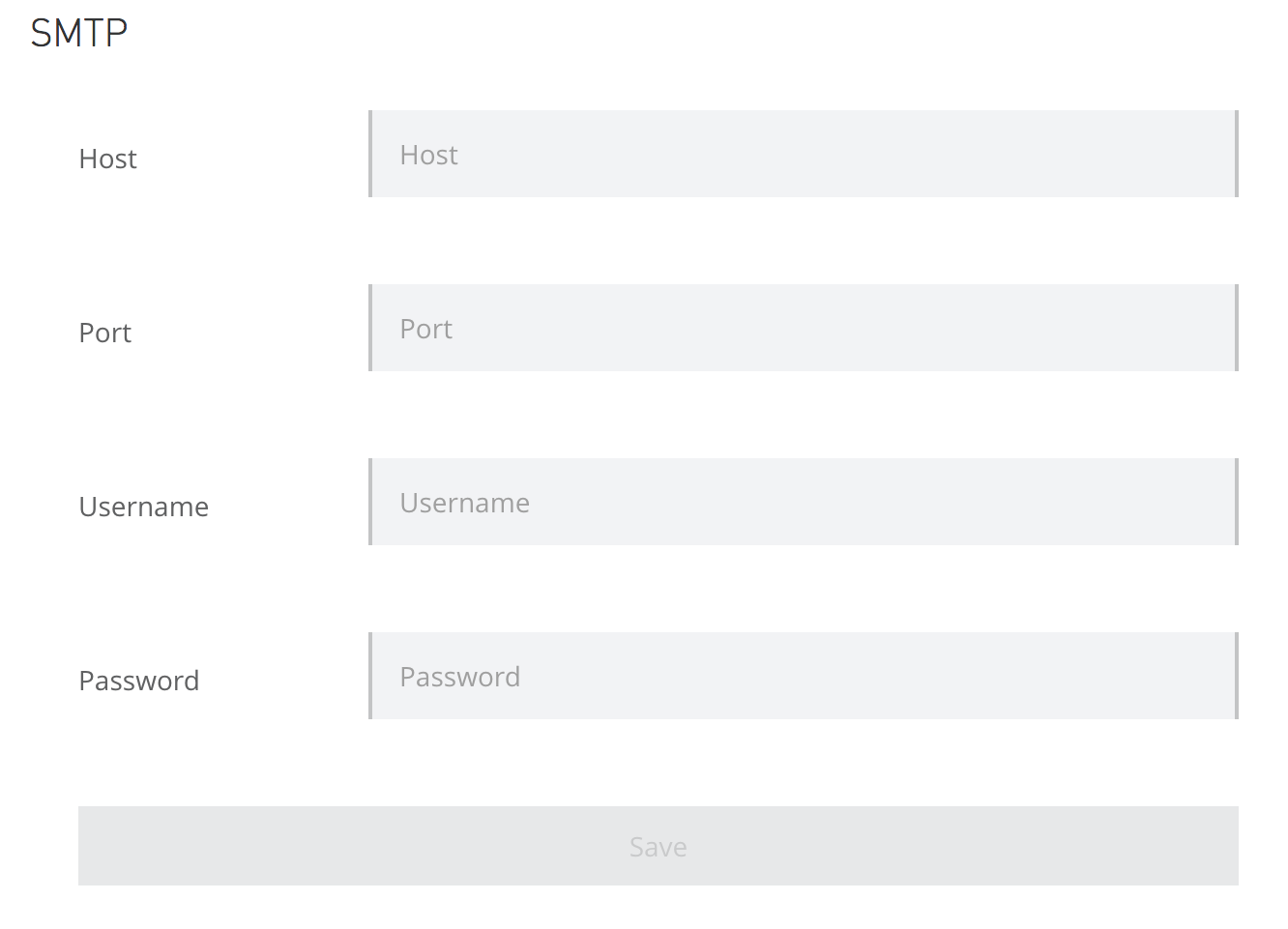
Table 1. SMTP Server Parameters Field Description Example Host
The host name of your SMTP server
smtp.gmail.comPort
The port used to communicate to your SMTP server
587Username
The username to authenticate to your SMTP server
mulesoft.onprem.smtp@gmail.comPassword
Your SMTP password
examplepassphraseTo use anonymous logins for your SMTP server, leave the Username and Password fields empty. -
After entering your configuration, select Save.