
Add Servers to a Server Group


Prerequisites
-
At least one server is configured.
-
The server group is created.
-
No applications are deployed on the server that you are adding to the server group.
Add Servers to a Group
To add servers to a server group after the server group has been created:
-
From Anypoint Platform, select Runtime Manager.
-
Select Servers in the left menu.
-
Click Group in the Type column to display the details pane.
-
Click the Add Server button:
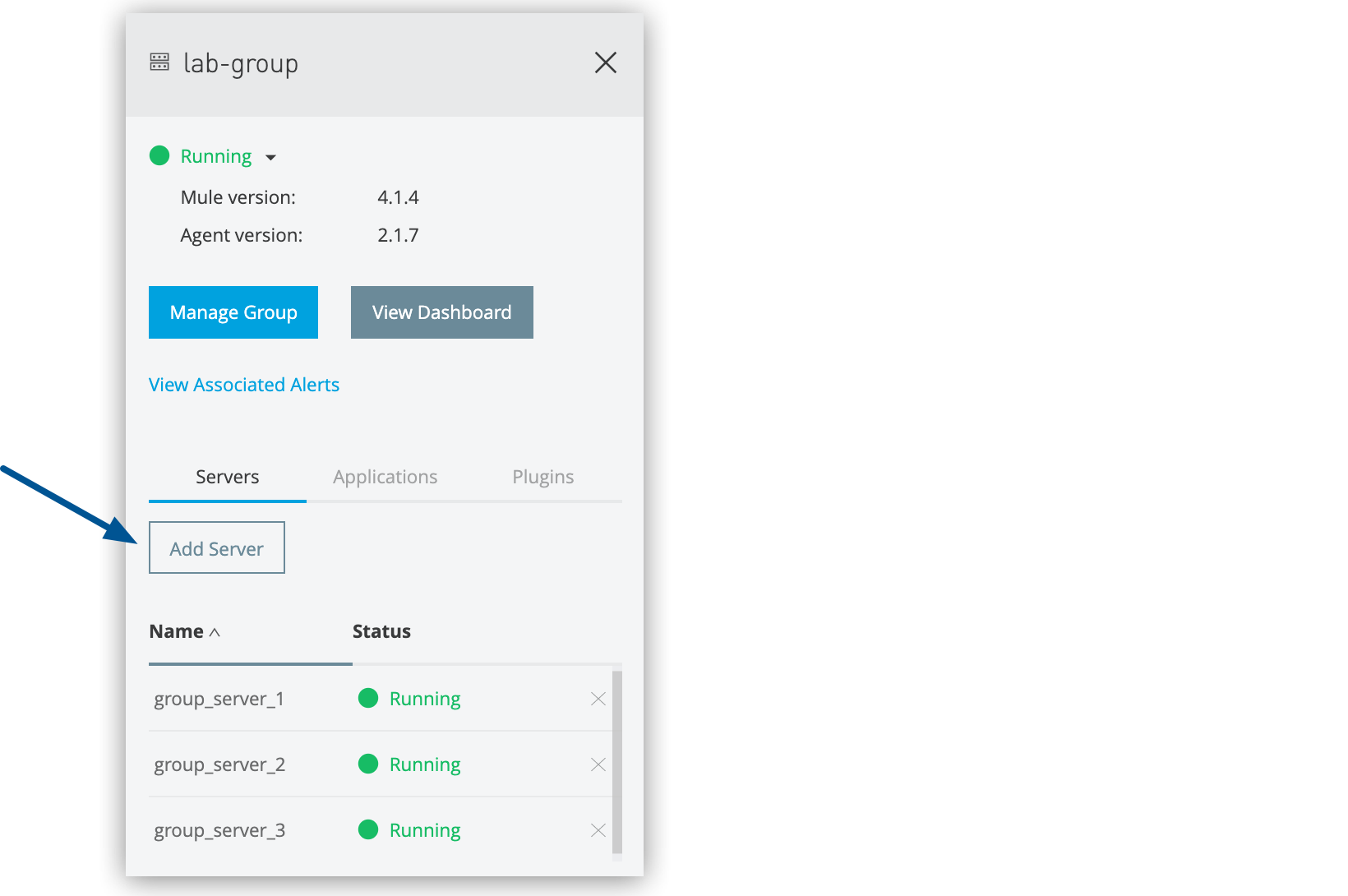 Figure 1. The arrow shows the Add Server button in the details pane.
A list of available servers appears.
-
Select the servers to add to the group, and click the Add Servers button.
The servers no longer appear in the Servers list. To see the list of servers in the server group, click the group name.